
Model provider
OpenRouter + Douchat: many models, one key
OpenRouter gives you many models behind one OpenAI-compatible API. Add it to Douchat and pick which of its models each agent runs on.
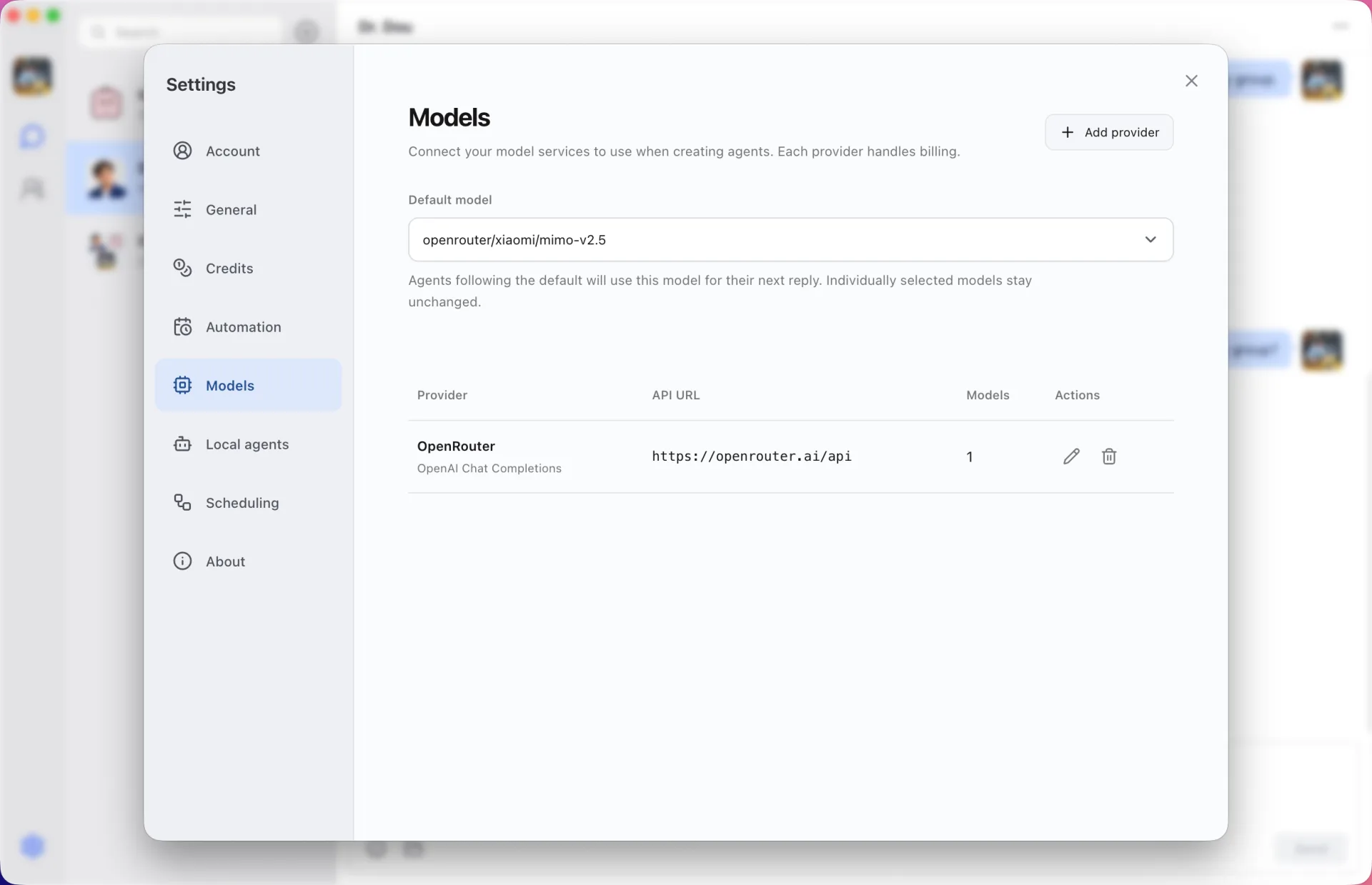
Pick per agent
List the OpenRouter models you want, choose a default, and give individual agents different models. A group chat can mix agents on different providers.
Billing with OpenRouter
Requests use your OpenRouter key and are billed by OpenRouter. They do not use Douchat credits.
Add OpenRouter
- 1
Create a key
Create an API key in your OpenRouter account.
- 2
Add the provider
In the Douchat desktop app, open Models settings, add a provider with the OpenAI-compatible format, the OpenRouter API address and your key.
- 3
List models and test
Enter the model IDs you want, test the connection and choose a default.
Frequently asked questions
Can I use my OpenRouter key for Gemini image generation?
No. Gemini CLI image generation uses the Nano Banana extension, which needs a Google AI Studio key.
Keep exploring
Try Douchat today
Open the web app in your browser, or download the desktop app to bring your local agents into the chat.