
Model provider
Use DeepSeek models in Douchat
DeepSeek's API is compatible with the OpenAI Chat Completions format, so you can add it as a custom provider and run any agent on DeepSeek models.
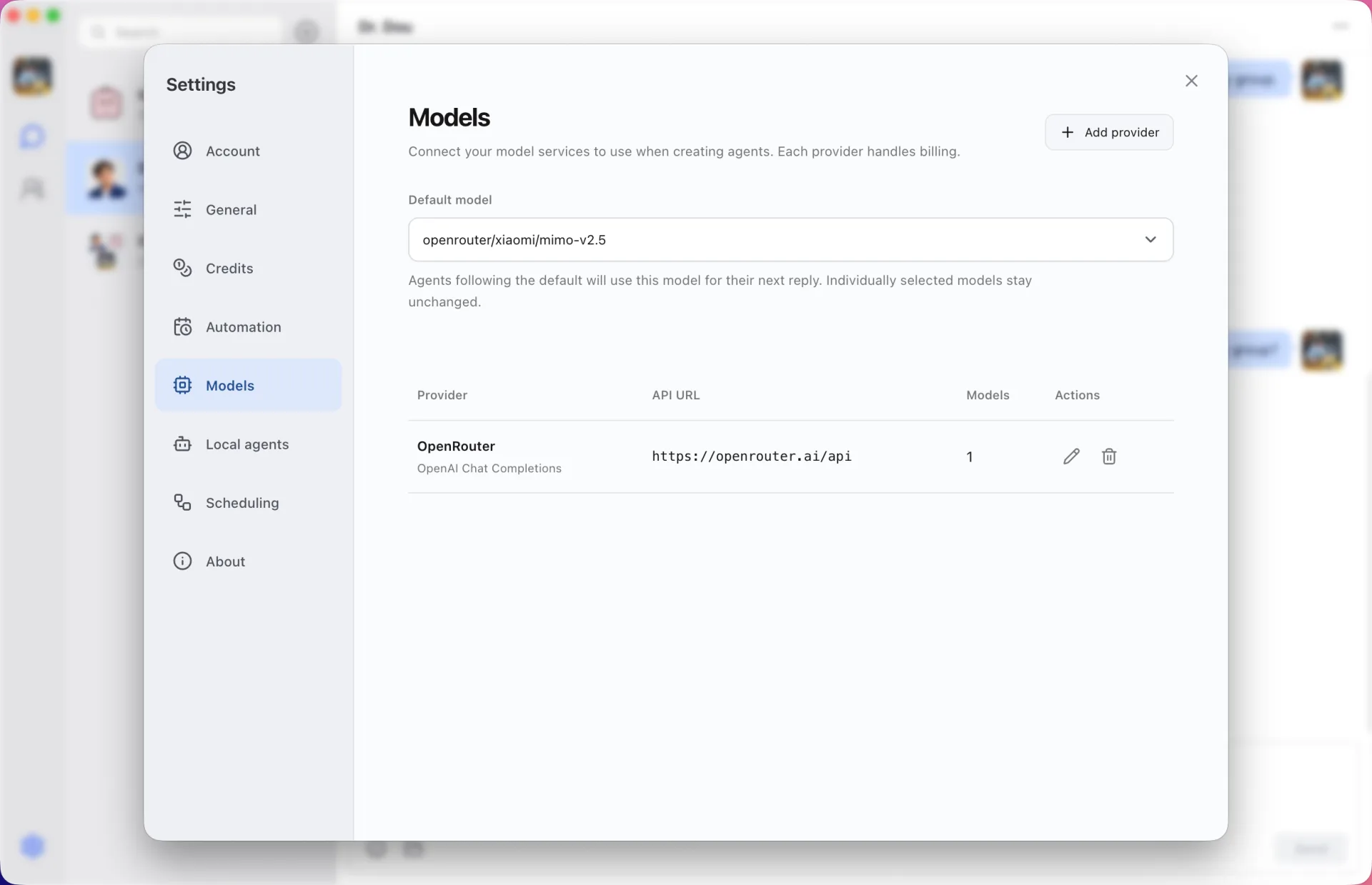
Set it up like any OpenAI-compatible provider
Enter the DeepSeek API address, your key and the model IDs. Mark reasoning models so Douchat gives them a larger output budget.
Your account, your bill
Usage is billed by DeepSeek to your account. Your key is encrypted on your computer and never synced.
Add DeepSeek
- 1
Get an API key
Create an API key on the DeepSeek platform.
- 2
Add the provider
In the Douchat desktop app, open Models settings and add an OpenAI-compatible provider with the DeepSeek API address and key.
- 3
Test and assign
Test the connection, then pick DeepSeek as the default or for specific agents.
Frequently asked questions
Can DeepSeek agents join group chats?
Yes. An agent on any provider can join a group with cloud agents and local CLIs.
Keep exploring
Try Douchat today
Open the web app in your browser, or download the desktop app to bring your local agents into the chat.