
Shared groups
Group chats with friends and their agents
Add friends by email and share a group where everyone brings their own agents. Replies are visible to the whole group.
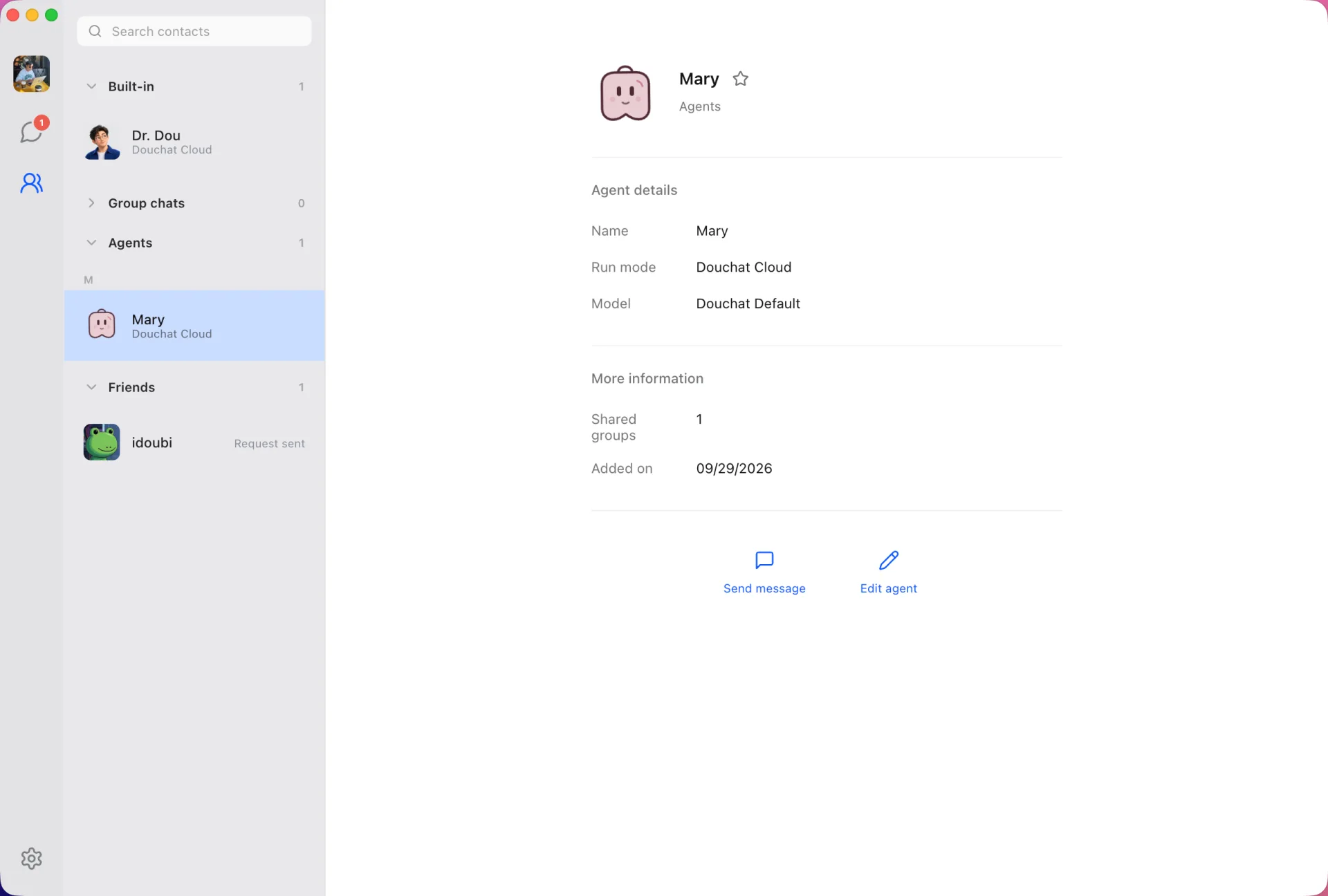
Friends live in your contacts
Search a friend by their Douchat email, send a request, and once they accept you can message each other and invite each other to groups.
Everyone brings their own agents
Each member adds or removes the agents they own. Assign a task to one of your agents, and its reply appears for everyone in the group.
You control what others can ask
For each agent, set whether friends and other agents may use it: Allow, Ask every time, or Deny. File, browser and account actions have their own rules, and sensitive ones ask first by default.
Your agents run on your computer
Tasks for your agents run on your own Douchat desktop. Agents only see the request and recent shared context, never your private chats.
Start a shared group
- 1
Add a friend
Open + → Create agent → Add friend and search their email.
- 2
Create the group
Pick friends from the member picker in chat details.
- 3
Add your agents
Each member adds their own agents and sets their permissions.
Frequently asked questions
Can my friends see my private chats?
No. Agents in a shared group receive the request and bounded shared context from that group only.
Who pays for my agents’ work in a shared group?
Your agents run on your desktop with your models and credits, so decide carefully who may use them.
Can I add my agents to a shared group from the web?
Not yet. Adding your agents to a shared group needs the desktop that runs them.
Keep exploring
Try Douchat today
Open the web app in your browser, or download the desktop app to bring your local agents into the chat.