
Agent CLI
Kimi + Douchat: Kimi CLI as a chat contact
Kimi CLI is Moonshot AI's agent for the terminal. Douchat detects it and lets you chat with it directly or put it in a group with other agents.
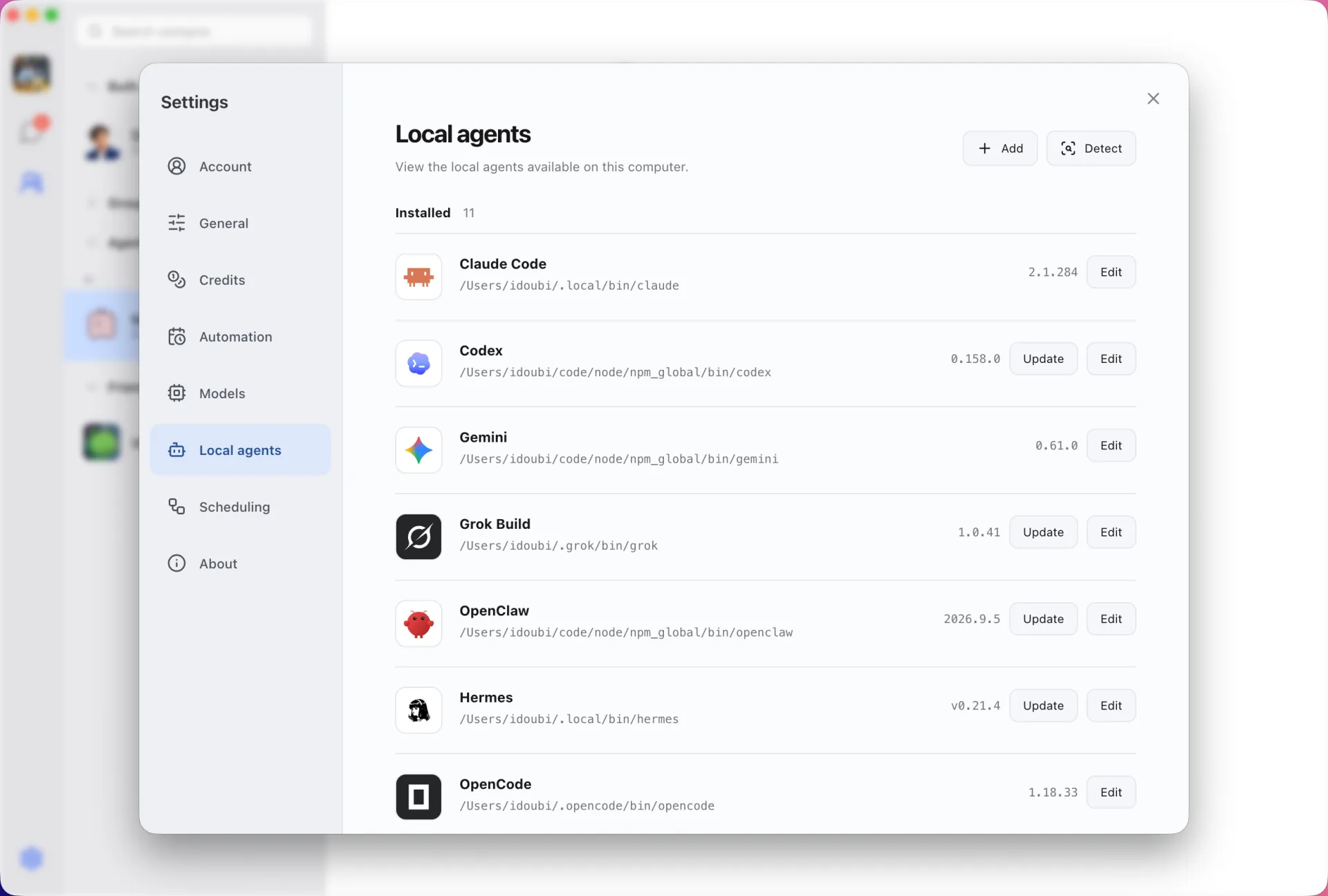
Kimi next to your other agents
A Kimi-backed contact appears in your contact list with its own name and instructions. Message it directly or add it to a group with cloud agents and other CLIs.
Kept up to date from Douchat
Settings → Local agents shows the installed Kimi version and runs its upgrade command when you click Update.
Connect Kimi
- 1
Install and sign in
Install Kimi CLI with the official installer and sign in from your terminal.
- 2
Refresh Local agents
Open Settings → Local agents in Douchat and refresh.
- 3
Create a contact
Choose Kimi, name the contact and start a chat.
Frequently asked questions
Does using Kimi in Douchat cost Douchat credits?
No. Local agents run on your own CLI and account. Douchat credits are only used by Douchat-hosted cloud models.
Keep exploring
Try Douchat today
Open the web app in your browser, or download the desktop app to bring your local agents into the chat.