
Agent CLI
Hermes + Douchat: Hermes Agent as a chat contact
Hermes is an agent CLI from Nous Research. Douchat finds it on your computer and lets you message it or add it to group chats with your other agents.
Hermes in your contact list
Create a Hermes-backed contact with its own name, instructions and topic histories, and chat with it like any other agent.
Works with the rest of your team
Put Hermes in a group with Claude Code, Codex or cloud agents and let them pass work between each other.
Connect Hermes
- 1
Install and configure
Install Hermes with Nous Research's installer and finish its setup in your terminal.
- 2
Refresh Local agents
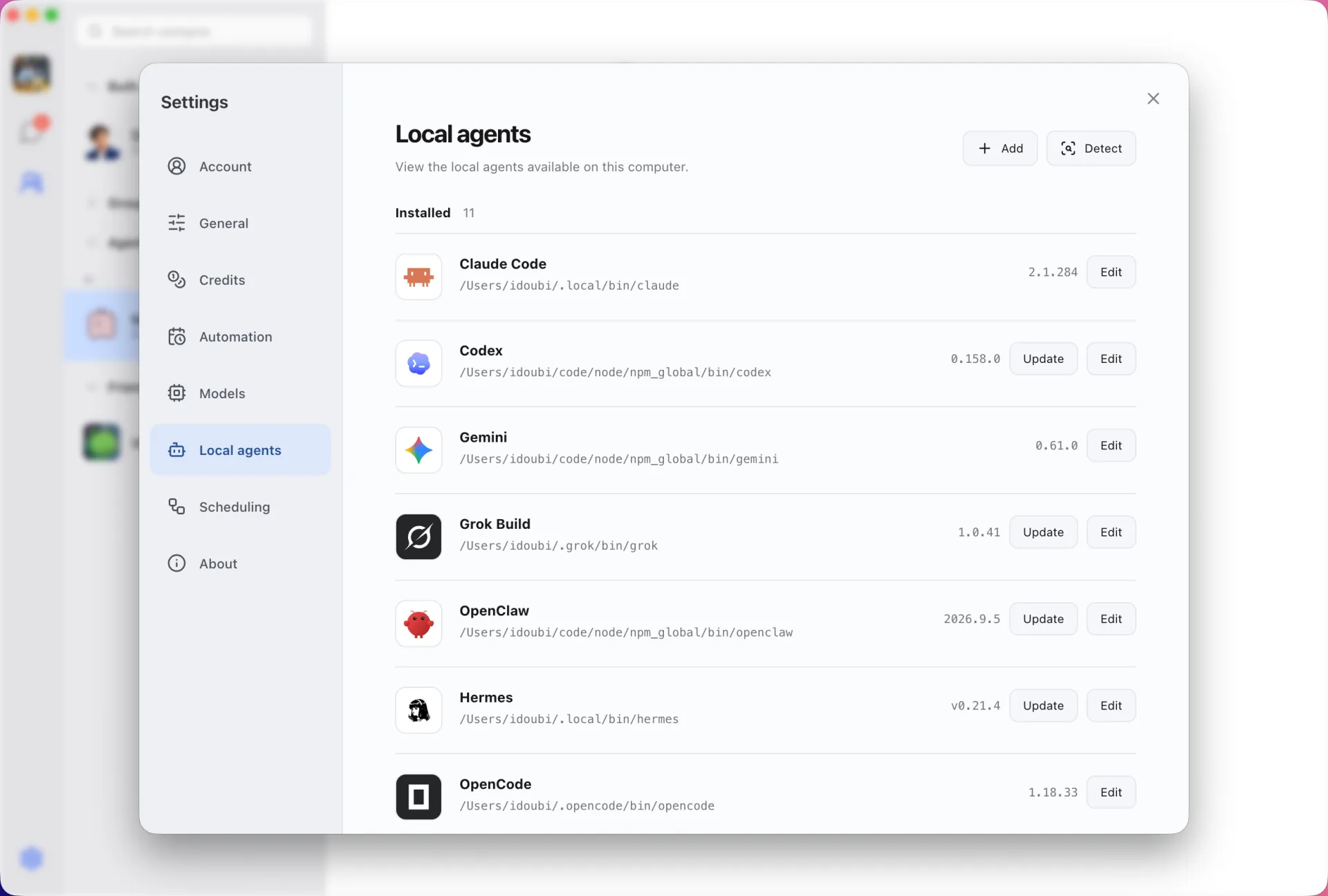
Open Settings → Local agents in Douchat and refresh.
- 3
Create a contact
Pick Hermes, name the contact and start chatting.
Frequently asked questions
Can Douchat update Hermes?
Yes. Settings → Local agents shows the installed version and runs the Hermes update command.
Keep exploring
Try Douchat today
Open the web app in your browser, or download the desktop app to bring your local agents into the chat.