
Model provider
Use Claude models in Douchat with your Anthropic key
Add Anthropic as a custom provider and run any agent on Claude models through the Anthropic Messages API. Billing goes to your Anthropic account.
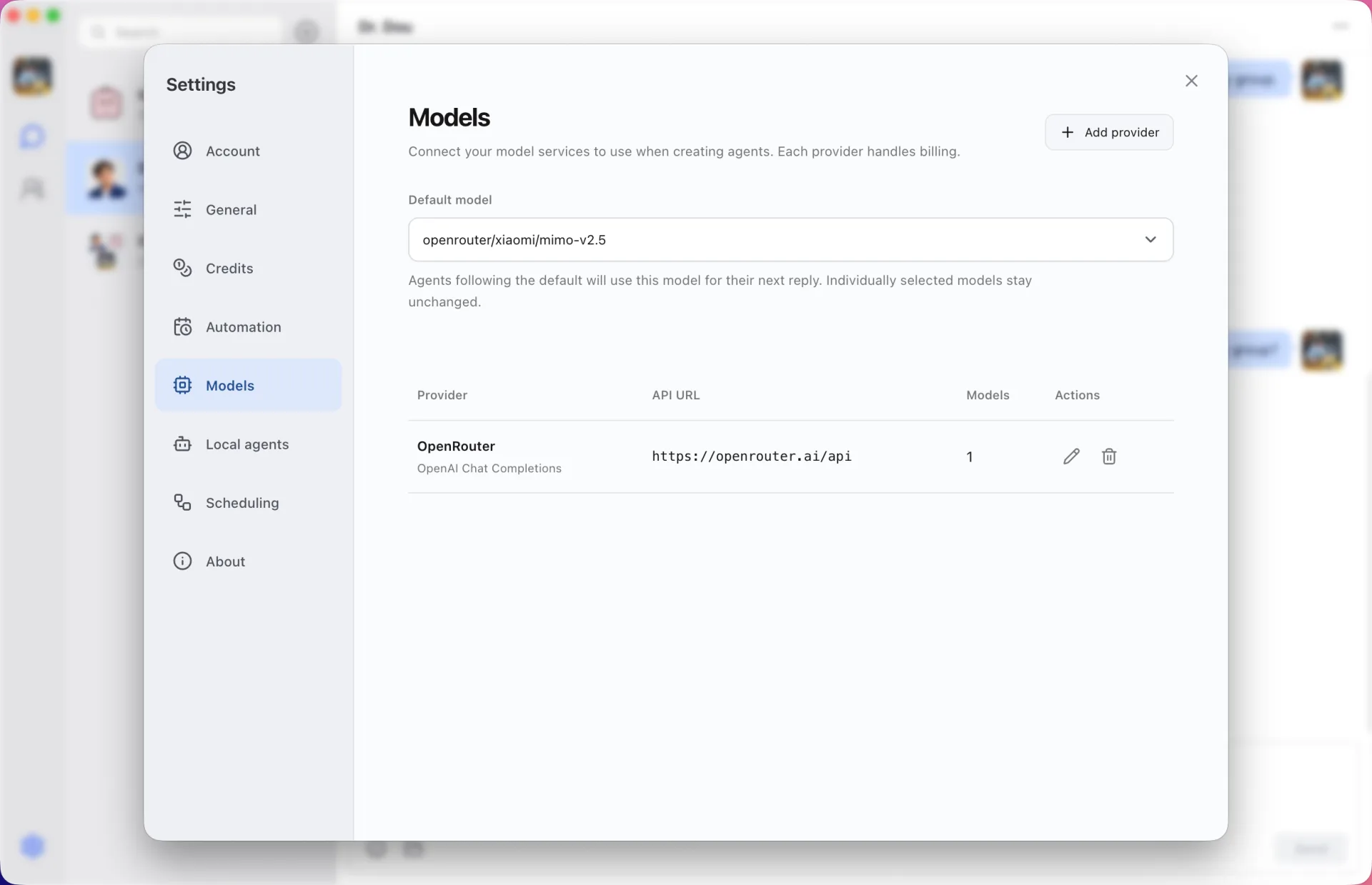
The Messages API, natively
Choose the Anthropic format when you add the provider and Douchat speaks the Messages API directly. List the models you want, pick a default and assign models per agent.
API model vs Claude Code
A custom Anthropic provider powers Douchat agents with Claude models. If you want Anthropic's coding agent with its own tools, connect the Claude Code CLI as a local agent instead.
Add Anthropic
- 1
Open Models
Open the Models settings in the Douchat desktop app and add a provider.
- 2
Choose the Anthropic format
Select Anthropic Messages, enter the API address and your key, and list the Claude models to use.
- 3
Test and assign
Test the connection, then set a default model or pick one for an agent.
Frequently asked questions
Is my Anthropic key synced?
No. API keys stay encrypted on your computer and are never synced.
Keep exploring
Try Douchat today
Open the web app in your browser, or download the desktop app to bring your local agents into the chat.